
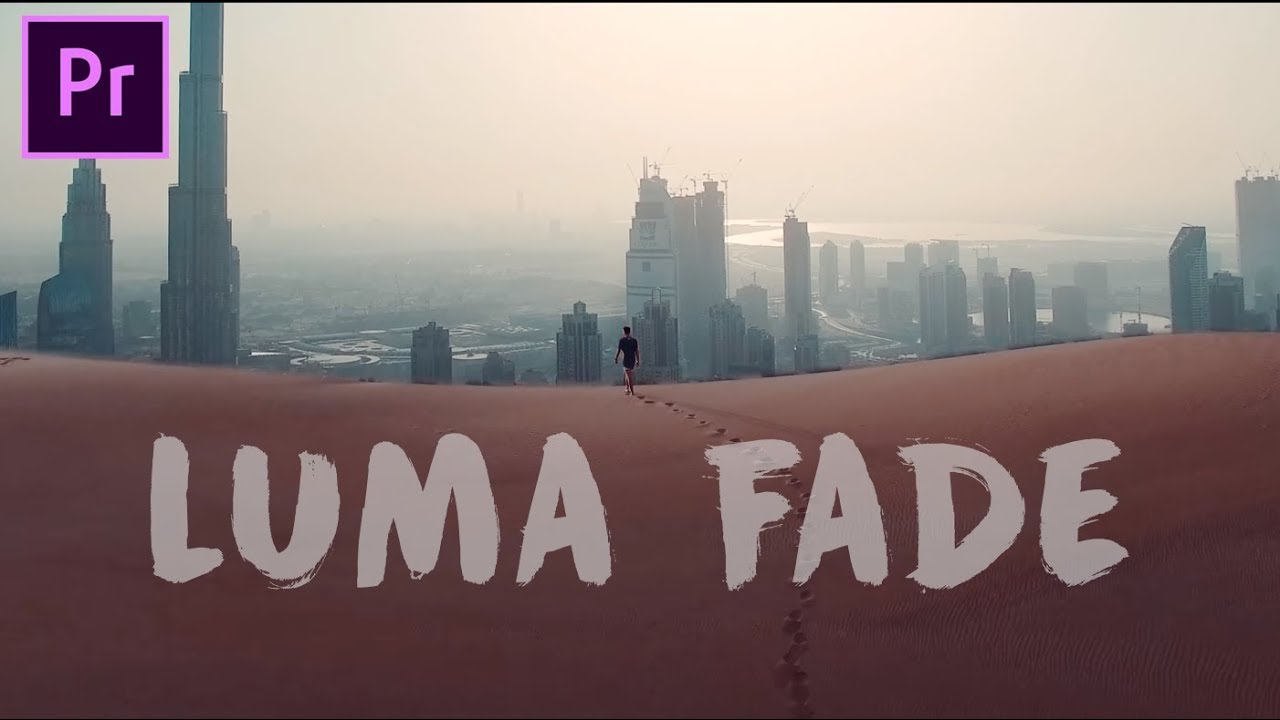
Offering the hottest freebie of the day, YouTube user Ankit Bhatia is giving away a Luma Fade Transition Preset Pack. Watch the transition in action below. Download here.
Tag: adobe premiere pro
TUTORIAL: Capture perfect lens flares

Lens flares – love them, hate them, risk looking too much like J.J. Abrams with them. Despite the Abrams-induced overuse, however, lens flares are a cool effect that can give everything from eye-catching naturalism to a lusted-after retro sheen to a shot. But how to capture them perfectly in the editing room? This video tutorial… Continue reading TUTORIAL: Capture perfect lens flares
TUTORIAL: Make your own Avengers: Infinity War Thanos punch

It’s no secret Avengers: Infinity War has become one of the biggest movies of all time, becoming the fastest film to $1 billion worldwide after just 11 days. The spectacle and the VFX keeps people coming back for more, the film unlimited by budget. But what if you’re not as financially blessed, not having hundreds of… Continue reading TUTORIAL: Make your own Avengers: Infinity War Thanos punch
TUTORIAL: 7 optical transitions from Adobe Premiere Pro

Add a flourish in a flash with these optical distortion transitions. The best part? They’re built right into Adobe Premiere Pro, available in the preset pack. In this tutorial, Cinecom.net reveal more tips and tricks on how you can get the most out of Premiere Pro, quickly and simply.
TUTORIAL: Change video to stop motion in Premiere Pro

Cheat stop motion? Sounds too good to be true, but it’s easier than you think. In this short video tutorial, Josh Thom explains how you can simply turn your video into seamless stop motion in Premiere Pro by simply using the Posterize Time effect. Load up your video, and off you go.
TUTORIAL: Create impossible trick shots in Adobe Premiere Pro

Whether a perfect hoop or something else, capturing the perfect shot can be difficult, unless you happen to have someone incredible on your hands. Luckily, there’s a way to create the perfect trick shot right in Adobe Premiere Pro, explained in this video from Cinecom.net. You’ll be shooting baskets before you know it.
TUTORIAL: Shooting a hyperlapse without a tripod

Hyperlapses – done well, they can give instant finesse to a project, a sweeping shot of a setting. But how to do one quickly without a tripod? In this quick tutorial, Josh Thom runs down how to do a hyperlapse for all your handheld filmmaking needs, all in a couple of easy steps. Hint: it… Continue reading TUTORIAL: Shooting a hyperlapse without a tripod
TUTORIAL: How to organise your edit in Premiere Pro
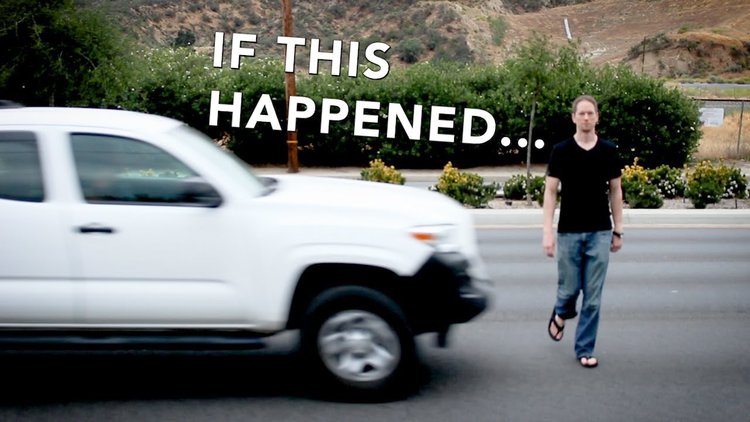
Finding a rhythm or sequence is difficult enough when editing a project, and having everything close at hand should be the least of your worries – especially when you’re on a deadline. In this short tutorial, TV editor Jeff Bartsch (ABC, NBC, Apple, Disney, Universal, ESPN, and many more) takes you through his tried and… Continue reading TUTORIAL: How to organise your edit in Premiere Pro
TUTORIAL: Essential editing time saver in Adobe Premiere Pro
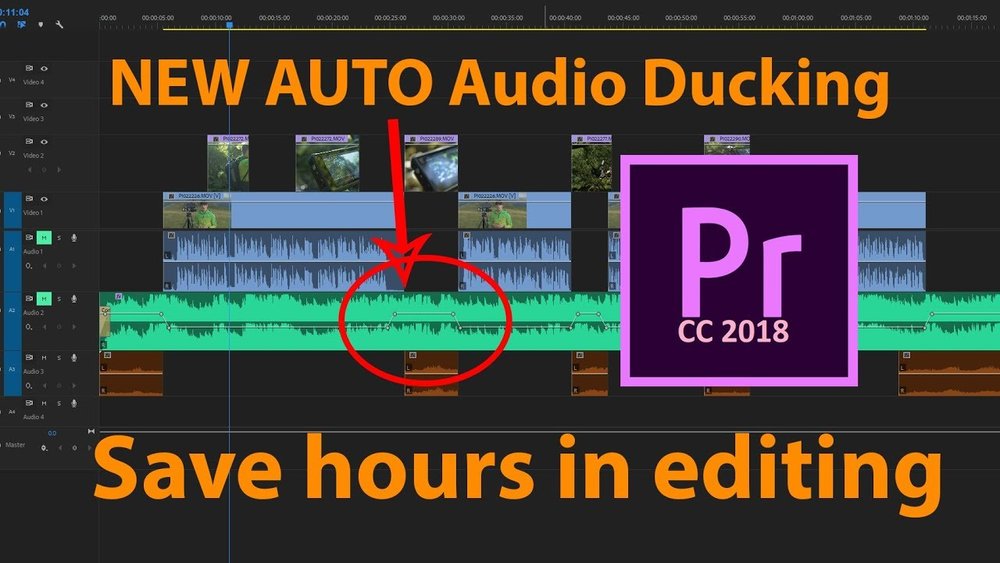
Whether on the road, on the fly, or punching a deadline, efficiency when editing is always important. Luckily, Adobe Premiere Pro CC 2018 has just the trick to save you time whenever that might be, through a simple tool called Audio Ducking. In this video tutorial, Jonathan J Scott takes you through how you can… Continue reading TUTORIAL: Essential editing time saver in Adobe Premiere Pro