
Finding a rhythm or sequence is difficult enough when editing a project, and having everything close at hand should be the least of your worries – especially when you’re on a deadline. In this short tutorial, TV editor Jeff Bartsch (ABC, NBC, Apple, Disney, Universal, ESPN, and many more) takes you through his tried and… Continue reading TUTORIAL: How to organise your edit in Premiere Pro
Category: Tutorials
TUTORIAL: Essential editing time saver in Adobe Premiere Pro
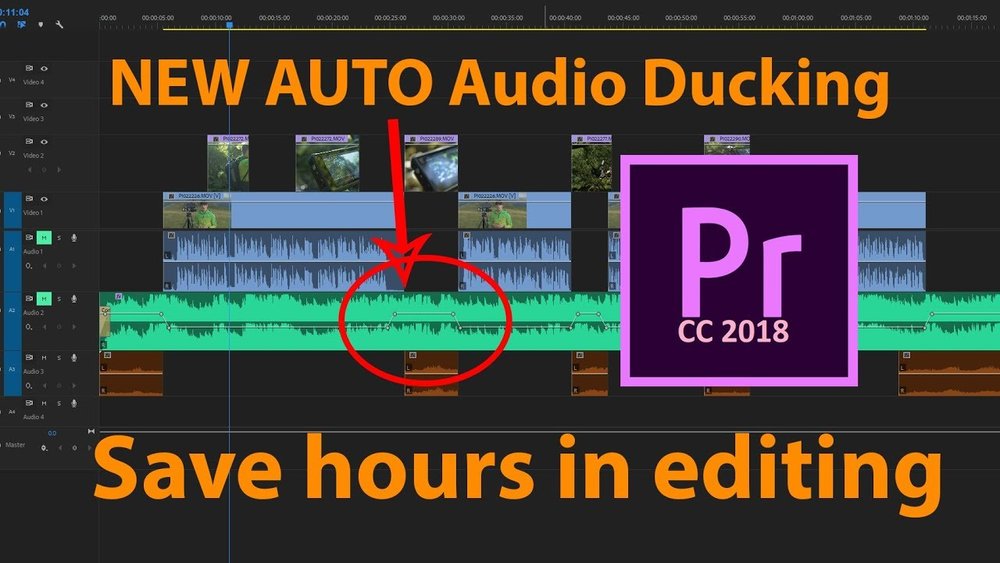
Whether on the road, on the fly, or punching a deadline, efficiency when editing is always important. Luckily, Adobe Premiere Pro CC 2018 has just the trick to save you time whenever that might be, through a simple tool called Audio Ducking. In this video tutorial, Jonathan J Scott takes you through how you can… Continue reading TUTORIAL: Essential editing time saver in Adobe Premiere Pro
4 tips for sound mixing on a budget

Sometimes it feels like making your dreams come true for a fraction of the cost is impossible, but it doesn’t have to be. Thanks to Deity Microphones on YouTube and their new series on how you can get more out of your equipment, here are four quick tips for sound mixing on a budget. 1.… Continue reading 4 tips for sound mixing on a budget
DIY VFX with Cheap Tricks

Wonder no more about how you could recreate the effects from the biggest Hollywood movies, a new YouTube series is making it a reality. Software company Red Giant has launched Cheap Tricks in collaboration with Action Movie Dad Daniel “Hashi” Hashimoto, the mastermind behind the do it yourself YouTube channel, Action Movie Kid. Red Giant… Continue reading DIY VFX with Cheap Tricks
TUTORIAL – HOW TO MAKE YOUR VIDEO FOOTAGE LOOK LIKE FILM STOCK

These days most almost everything is shot in digital, which is no surprise considering how much cheaper it is compared to celluloid film stock. In fact, it’s so popular that there’s only a handful of places left where you can get celluloid developed. But with all of the benefits of digital, there’s still the major… Continue reading TUTORIAL – HOW TO MAKE YOUR VIDEO FOOTAGE LOOK LIKE FILM STOCK
SMARTPHONE FILMMAKING TIPS
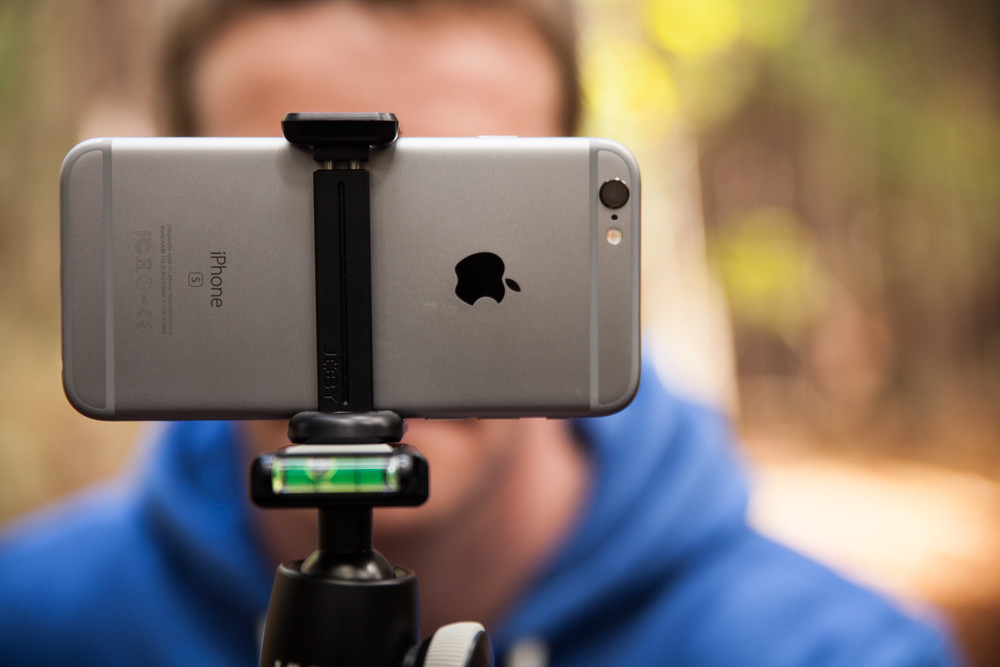
Shooting your next project on a smartphone is fast becoming a serious option for many indie filmmakers. People may scoff at the idea, but last year director Sean Baker shot his indie darling, Tangerine, entirely on an iPhone 5S. Many in the filmmaking industry also scoffed six years ago, when Canon released the Eos D5. Then Darren… Continue reading SMARTPHONE FILMMAKING TIPS
USING AFTER EFFECTS LIVE TEXT TEMPLATES IN PREMIERE – FREE TV NEWS OVERLAY TEMPLATE INCLUDED
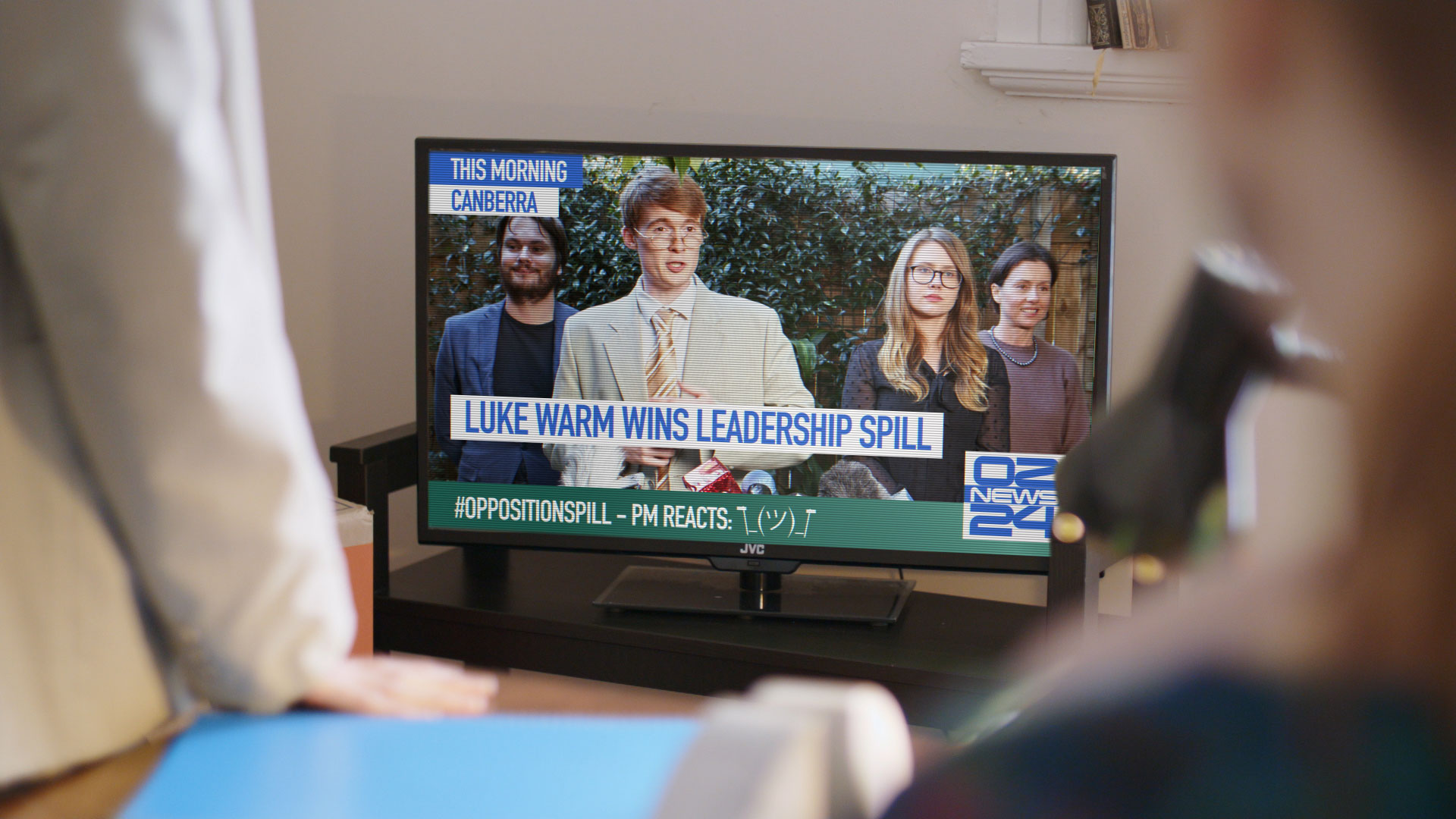
Recently, for the post-production of a VODville sketch, a new YouTube comedy channel I’m involved with, I had to create a quick TV News overlay for a TV screen composited shot. Tutorial by Julien Chichignoud. The final result, which you can see in the image above, was inspired by the Australian public broadcaster ABC. We… Continue reading USING AFTER EFFECTS LIVE TEXT TEMPLATES IN PREMIERE – FREE TV NEWS OVERLAY TEMPLATE INCLUDED
HOW DOES AN EDITOR KNOW WHEN TO CUT

Every film has a story to tell and every director has a unique voice in which to tell that story. They get financing, cast their actors, gather together their crew and shoot their film. But, it’s within the editing suite where the story is developed (once, quite literally) and told. Now that films are shot digitally, the… Continue reading HOW DOES AN EDITOR KNOW WHEN TO CUT
HOW TO GET OVER YOUR FEAR OF SCRIPTWRITING

So you have a brilliant idea for a film, but you’re unsure how to go about writing the script. Time and again you sit down at your computer, determined to write, but you end up on Facebook, or doing lame quizzes on Buzzfeed. Every day you tell yourself you’ll start writing today… But you don’t.… Continue reading HOW TO GET OVER YOUR FEAR OF SCRIPTWRITING
ADOBE PREMIERE EXTENSION – USE GOOGLE KEEP TO MANAGE FEEDBACK

A feature of Premiere Pro which I love and has been very under-utilised is the 3rd party panels. Tutorial by guest writer Julien Chichignoud They are HTML5 panels (running in a special version of Chrome built into Premiere) that can be loaded and interact with the project. Some good examples of its use are the Pond5… Continue reading ADOBE PREMIERE EXTENSION – USE GOOGLE KEEP TO MANAGE FEEDBACK